
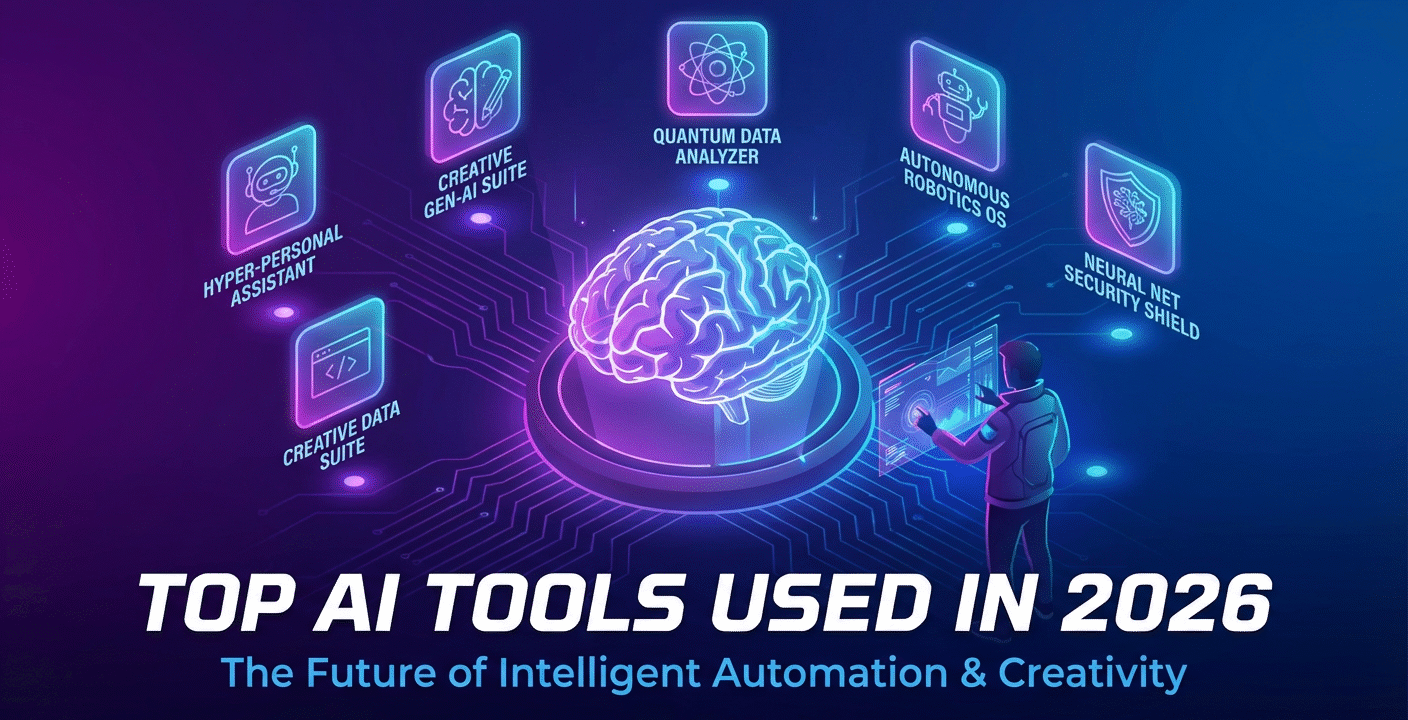
Artificial Intelligence continues to explode in 2026, transforming how we create videos, design graphics, write content, optimize websites, and even build presentations. Whether you’re a digital marketer, entrepreneur, student, or creator, using the right AI tools can help you work faster, smarter, and more creatively.
This guide highlights the best AI tools of 2026, neatly categorized so you can instantly find what fits your needs.
Best AI Tools for Video Creation in 2026
AI video tools have become so advanced that anyone can produce studio-quality videos without cameras, actors, or editing skills.
1. Sora by OpenAI
Creates ultra-realistic cinematic videos just from text prompts. Ideal for ads, storytelling, and product showcases.
2. Runway Gen-3 Alpha
Known for realistic motion, effects, and scene generation. Great for filmmakers and agencies.
3. Pika Labs
Popular among social media creators for quick short-form clips with seamless animations.
4. InVideo AI
Perfect for beginners—turns scripts into full videos with narration, transitions, and stock media.
5. Kapwing AI Studio
A powerful editor for TikTok, YouTube Shorts, and Reels with automated editing features.
Top AI Tools for Content Creation in 2026
These tools help you write blogs, ads, scripts, captions, newsletters, and long articles effortlessly.
1. ChatGPT 5.1
The most advanced writing and research assistant—great for blog posts, outlines, technical content, and creative writing.
2. Jasper AI
Best for content teams and agencies needing consistent brand tone.
3. Writesonic
Strong SEO-driven content creation with keyword-based long-form articles.
4. Copy.ai
Fast and effective for social media posts, marketing emails, and product descriptions.
5. Notion AI
Ideal for brainstorming, note-taking, rewriting text, and planning content calendars.
AI Tools for Graphics & Design in 2026
AI now makes designing professional graphics faster than ever—even without design skills.
1. Midjourney v7
Still the king of artistic and photorealistic AI imagery. Amazing for ads, product visuals, and creative concepts.
2. Adobe Firefly 3
Built into Adobe tools—great for professionals who want editable AI-generated graphics.
3. Canva AI
User-friendly and one of the best choices for social media posts, banners, and marketing designs.
4. Leonardo AI
Perfect for 3D renders, game assets, product shots, and creative visual concepts.
5. Fotor AI
Quick and easy graphic generation for blogs, ads, and small business visuals.
Best AI Tools for Logo Design in 2026
No need to hire expensive designers—AI now produces beautiful logos in seconds.
1. Looka AI
Creates full branding kits with fonts, color palettes, and logo variations.
2. Brandmark.io
Great for clean, modern, and minimal logo styles.
3. Designs.ai Logo Maker
Generates multiple logo styles instantly with brand identity suggestions.
4. LogoAI.com
Produces professional corporate-style logos suitable for business branding.
5. Tailor Brands Logo Maker
Includes logo creation plus brand tools like business cards and social templates.
Most Powerful AI Tools for SEO in 2026
SEO tools powered by AI help improve rankings, research keywords, and optimize content better than ever.
1. Surfer AI
Creates data-backed, fully SEO-optimized articles based on SERP analysis.
2. SEMrush AI Toolkit
Offers AI competitor analysis, keyword clustering, and optimization suggestions.
3. Ahrefs SEO AI Assistant
Provides advanced backlink research, rank tracking, and content ideas.
4. NeuronWriter
Affordable AI SEO writer popular among bloggers and small businesses.
5. RankMath AI (WordPress)
Helps optimize content directly inside WordPress with AI scoring and suggestions.
AI Tools for PowerPoint & Presentations in 2026
Create fast, beautiful, professional presentations simply by typing your idea.
1. Gamma AI
Generates full presentations with stunning layouts, animations, and themes.
2. Tome AI
Best for storytelling-style slides with dynamic visuals and auto-generated content.
3. Canva AI Presentations
Easy drag-and-drop slides for business, school, or marketing presentations.
4. Beautiful.ai
Corporate-friendly designs with automated alignment and layout improvement.
5. Microsoft Copilot for PowerPoint
Builds and edits slides directly inside PowerPoint using voice or text prompts.

Hi, I’m Ankit Bisht. I’m an SEO and content marketing specialist with over 7 years of experience helping businesses strengthen their online presence. I focus on developing effective SEO strategies, in-depth keyword research, and data-driven content optimization to boost visibility, rankings, and traffic. I’m passionate about exploring the latest SEO trends, analyzing performance data, and implementing smart solutions that deliver measurable results.